
- Glossary
Band Steering
Band steering lets one Wi-Fi name serve two bands and moves capable devices to 5 GHz. It helps phones and laptops, and confuses a few cameras and plugs.
- No contracts
- Local support
- 4.8 on Google (36 reviews)
- Since 2002
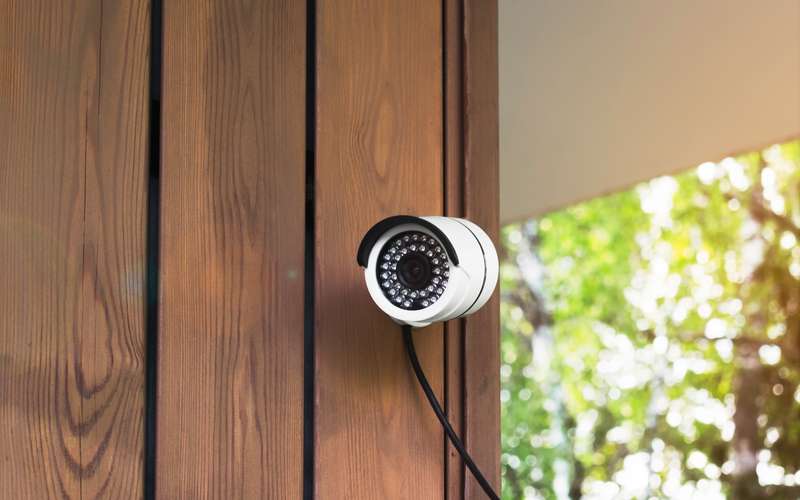
A security camera on a house. Stock photo: Adobe Stock. Photo credits
What is Band Steering?
A router with band steering broadcasts the same network name on both bands and holds back its answer on 2.4 GHz to a device that also supports 5 GHz, hoping it picks the faster band. The Wi-Fi Alliance page on Wi-Fi 6 does not describe band steering, and no official definition was found, so this entry describes it as router makers do in general terms.
The two bands trade range for capacity, as set out in Wi-Fi bands.
Why does it matter on a fixed wireless connection?
In a large rural house, 5 GHz may not reach the far bedroom, and a device that is steered there can drop out or hop between bands. Many smart plugs, cameras and some printers support only 2.4 GHz. If they try to join a name that looks like both, they may fail at setup.
None of this touches the outdoor link to the tower. It is purely about the radio in your home router. See SSID.
Mesh systems often add their own steering between nodes, so a device may move without you noticing. That is helpful when it works and puzzling when a gadget keeps dropping.
What should I do about it?
If every device works, leave band steering on. If one will not join, turn band steering off, or split the bands into two names such as Home and Home-5G, as in split 2.4 and 5 GHz. Put the picky gadget on the 2.4 GHz name and everything else on 5 GHz.
A deeper guide to the choice is 2.4 versus 5 versus 6 GHz.
Sources
- wi-fi.org/discover-wi-fi/wi-fi-certified-6 (Wi-Fi Alliance Wi-Fi 6 page; no band steering text found, read 2026-10-15)
- hdiss.net/ (company facts, read 2026-10-15)
Talk to a person
- Call 775-575-9593 775-391-5660 Open 9-5 every day
- Email info@hdiss.net
Related terms
Local since 2002
Fixed wireless from towers in Northern Nevada. Three plans, no contracts, local support, 4.8 on Google from 36 reviews.
About High DesertOpen 9-5 every day
Can we reach your roof?
Send the address. A person looks at the path from our nearest tower and calls you back: clear, not clear, or we need to look at it from your roof.
- No contracts
- Local support
- 4.8 on Google (36 reviews)
- Since 2002
High Desert Internet Services, PO Box 11353, Reno NV 89510. info@hdiss.net