
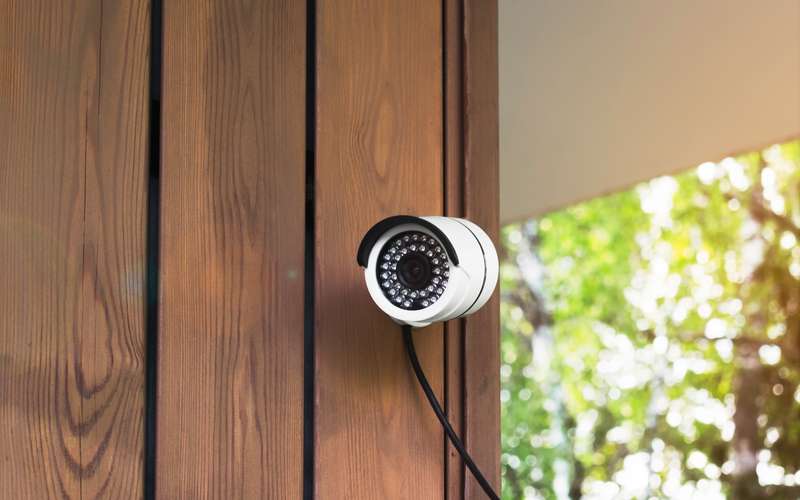
You may never hear the word unless a camera or game fails to connect from outside the house. It is a normal tool for internet providers, described in two public standards. This guide explains it in plain terms, shows a two-minute way to check your own connection, and lists what to ask your provider. It does not say whether High Desert uses it, because that is not published.
Takeaways
- RFC 6598 reserved the address block 100.64.0.0/10 as “Shared Address Space” for carrier-grade NAT.
- RFC 6888 notes that some applications “may require substantial enhancements, while some others may not function at all” behind a CGN.
- Check: if the address your router shows on its WAN or internet page falls from 100.64.0.0 to 100.127.255.255, you are behind CGNAT.
- High Desert has not published whether its customer addresses are shared; ask, and see the open port article.
What is NAT, and what is the carrier-grade kind?
NAT, network address translation, lets many devices at home share one public address. Your router does it today: your phone, TV and laptop all appear to the internet as your router's one address. Carrier-grade NAT does the same thing one level up. The provider's equipment gives many homes a shared public address, and each home's router gets an address from a special reserved range.
Providers use it because public IPv4 addresses are scarce. RFC 6598 (April 2012) set aside the block 100.64.0.0/10 for this purpose, calling it Shared Address Space “to accommodate the needs of Carrier-Grade NAT (CGN) devices.” RFC 6888 (April 2013) sets out common requirements for CGNs.
What breaks, and what does not?
Anything you start from inside works the same: web pages, streaming, email, video calls through a service, most games joining someone else's server. What changes is anything that needs to be found from outside. A home camera that you watch directly by address, a game you host, or a remote desktop session to the office computer may not connect, because there is no public address that belongs only to you.
RFC 6888 says why. Subscribers do not control the CGN, so they cannot open ports the way they would on their own router, and it recommends a protocol, the Port Control Protocol, to let them manage mappings. It also says peer-to-peer and game traffic work better when the CGN behaves in a friendly way by default. Many camera apps avoid the problem by connecting through the maker's cloud, which is why they keep working.
How do you check your own connection?
Log into your router and find the status page that shows the WAN or internet address. Write it down. Then search the web for “what is my IP” and compare. If the two match, your router has a public address. If the router's address begins with 100.64 through 100.127, it is in the shared range, which is CGNAT. If it begins with 10, 192.168 or 172.16 through 172.31, there is another NAT in front of yours, which is also worth a question. The find your router address article helps you reach the page.
What can be done about it?
Nothing needs fixing for ordinary use. For a camera or server you need to reach directly, the options are a cloud-based app, a VPN back to the house, or a public address from the provider. Ask the provider whether a public address or a static address is available, and what it costs. High Desert has an article on opening a port or a static IP, and its answer on ports is to call.
One more point from the service agreement: it lists peer-to-peer applications as not permitted on the High Desert network. If a game or program connects to other players directly, ask before you rely on it. Our gaming guide and the camera upload guide go into the details.
What should you ask before you sign up?
Ask: do customers get a public address or a shared one? Is a public or static address available, and for what charge? Which ports are open, and who opens them? If you run cameras, ask how they will connect. High Desert does not publish these answers, so call 775-575-9593 any day from 9 to 5.
When you send your address through the check form, a person looks at the path from the nearest tower and calls you back. Mention your camera or game needs then, and the call can cover them.
Sources
- rfc-editor.org/rfc/rfc6598 (RFC 6598, IANA-Reserved IPv4 Prefix for Shared Address Space, April 2012, read 10/15/26)
- rfc-editor.org/rfc/rfc6888 (RFC 6888, Common Requirements for Carrier-Grade NATs, April 2013, read 10/15/26)
- hdiss.net/terms-of-use/ (HDISS Service Agreement V 1.12, section 3.b on P2P applications, read 10/15/26)