
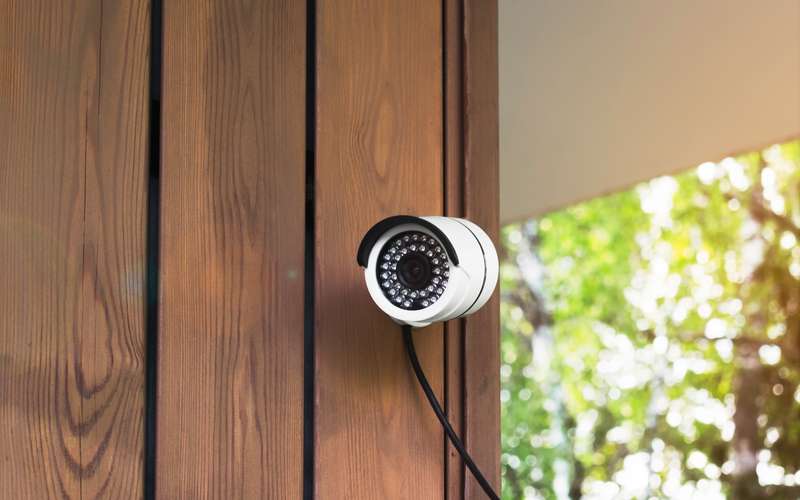
eufy's HomeBase is a small hub that sits by the router, receives video from the cameras and stores it on the hub. That makes local recording the main mode and the internet link a secondary one, used for the app and alerts.
Steps
- Plan the HomeBase spot
eufy says to connect the HomeBase to the router during first-time setup with an Ethernet cable. Put it near the router.
- Use a LAN port, not the injector cable
The HomeBase cable goes to a free LAN port on your router. The High Desert injector cable stays in the router's internet (WAN) port.
- Check the 2.4 GHz name
eufy says the 2.4 GHz name must not be hidden and security should be WPA or WPA2. Use the band-split article if needed.
- Look at the upload minimum
eufy lists a minimum of 2 Mbps upload as a requirement for a good experience. A community reply notes that this is for the whole system, not for each camera.
- Read local storage
One eufy page says the HomeBase 3 has 16 GB of built-in storage, can take an external SATA drive up to 16 TB, and holds about two months for one camera or one month for two.
- Test remote viewing
Open the app on cellular data and view a camera. That uses your upload.
- Lower resolution if viewing is choppy
Local recording keeps working when the internet is down, but the app view needs the link.
Does local storage mean no data use?
Recording to the HomeBase uses your home network, not the High Desert line. Watching from outside the home, alerts and cloud features use the line. Video adds up over a month. The service agreement says each service level has a data transfer limit, available by email at info@hdiss.net, with $1 per gigabyte charged for use over it in a billing cycle.
What if the HomeBase will not connect?
eufy has a page titled Failed to connect eufy HomeBase to WiFi network. Start with the cable and the 2.4 GHz name. The article restarting your equipment gives the order for the High Desert side.
Can I add an external drive?
eufy's page says yes for the HomeBase 3, with a SATA drive. Check eufy's page for your model before buying one.
Do I need to go outside or touch the antenna for this?
Stay on the ground for all of this. The outdoor radio and its cable are not yours to handle, and a call to 775-575-9593 brings a technician if the problem is up there.
Sources
- service.eufy.com/article-description/Failed-to-Connect-eufy-HomeBase-to-WiFi-Network (eufy, HomeBase connection page, seen in a search summary 2026-10-15; not opened)
- service.eufy.com/article-description/Requirements-for-Using-eufySecurity-Devices (eufy, requirements, seen in a search summary 2026-10-15)