
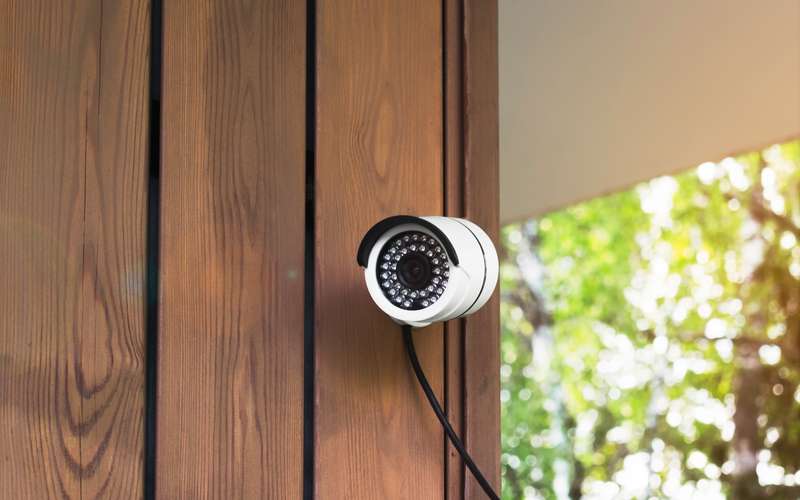
A Lorex system usually has a recorder in the house, a DVR or NVR, with cameras wired or on Wi-Fi to it. Recording stays at home, so your High Desert line carries only the live views and alerts you ask for. That is why the figures sit on the recorder's spec sheet.
Steps
- Find the recorder's model
The label on the recorder or the app's device page gives the series, such as LNK7000X or LNR400.
- Look up its upload figure
Lorex's spec sheet for that series lists a minimum upload. Series minimums run from 1 Mbps to 6 Mbps, so use your own sheet.
- Connect the recorder by cable
Lorex advises a wired link from the recorder to the router for remote access. Use a LAN port on the router, not the injector cable.
- Fix the recorder's address
Give it a reserved address; see giving a device a fixed address.
- Mind how many people watch
A Lorex guide says up to three devices can connect at once. Each viewer uses upload.
- Test your upload
Use the speed test guide at a busy hour.
- Choose a lower-resolution live stream if needed
Most apps let you pick it for remote viewing.
Does recording at home use my data allowance?
No. Recording on the recorder uses your home network. Remote viewing and cloud features use the High Desert line. Cameras use data, and each High Desert service level has a data transfer limit. The size is available by emailing info@hdiss.net, and use over it is $1 per gigabyte in a billing cycle, according to the service agreement. That is worth knowing before you add more cameras to the system.
What about a camera at a shop or barn?
A camera there needs its own link to the recorder. Read remote cameras on a yard or job site and Wi-Fi to a shop, barn or guest house.
Why do the figures differ so much?
They belong to different recorder generations and resolutions. A 4K system sends more video than an older 1080p one. We list the spread because the right figure is the one on your own sheet.
Do I need to go outside or touch the antenna for this?
Please keep off the roof. The antenna, radio and outdoor cable are handled only by a High Desert technician, and a phone call starts that.
Sources
- lorextechnology.com/downloads/apps_updates/Lorex-Home/manual-EN/LX500973.xml.html (Lorex Home app guide, figures read from search summaries on 2026-10-15; the page itself did not open)
- lorextechnology.com/downloads/security-nvr/LNK7000X/LNK7000X (Lorex, LNK7000X spec sheet, figures read from a search listing on 2026-10-15; the PDF itself did not open)