
- Data and fair use
- One question, answered in full
Can I run a server, security cameras or a VPN on my connection?
Cameras and a VPN are ordinary traffic and fine within the data transfer limit. A server is something to ask the office about first, because the company has not published whether it opens ports or provides a fixed address.
- No contracts
- Local support
- 4.8 on Google (36 reviews)
- Since 2002
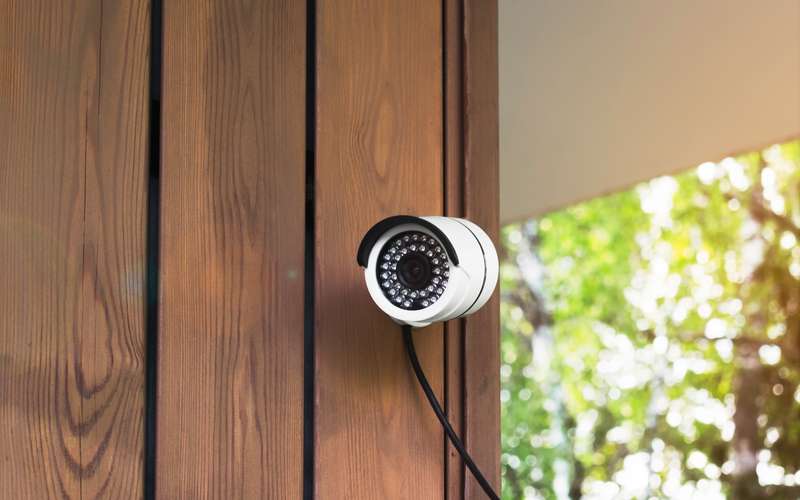
A security camera on a house. Stock photo: Adobe Stock. Photo credits
The service agreement is the only written rule. It prohibits peer-to-peer and sets a data limit, and it does not ban cameras, VPNs or servers. It does leave some practical questions open.
What about security cameras?
A camera that sends video to a phone app or a cloud service counts as data that crosses your connection, and it uploads all day. The company lists up to 200 Mbps up on every plan, which is ample for cameras. The thing to watch is the monthly limit. Read how much data security cameras use and security camera upload use. Reviewers also mention running cameras alongside streaming on the service.
What about a VPN?
A VPN wraps your traffic in a private tunnel to a work network or a service. It does not break the agreement. It does add some overhead, and a VPN that routes everything through a distant server can feel slower. The guide on VPN at home covers the trade-offs.
What about a server?
Section 8.A makes the customer responsible for the set-up and upkeep of servers it runs, including mail, news and firewall servers. It does not forbid servers. But reaching a server from outside needs an open port or a fixed address, and the company has not said whether it provides either. Some networks also place many customers behind one shared public address, which makes a home server hard to reach; CGNAT, cameras and gaming explains the idea without saying whether it applies here.
Ask the office these two questions: can I get a fixed address, and can ports be opened. The article on opening a port or getting a static IP says what to have ready. Also ask whether a server that serves the public fits the plan you want. An outside peer-to-peer server would not; see the peer-to-peer answer.
Sources
- hdiss.net/terms-of-use/ (HDISS Service Agreement V 1.12, read 2026-10-15)
- hdiss.net/ (High Desert FAQ and service description, read 2026-10-15)
Talk to a person
- Call 775-575-9593 775-391-5660 Open 9-5 every day
- Email info@hdiss.net
More on data and fair use
All data and fair use questionsRelated
Local since 2002
Fixed wireless from towers in Northern Nevada. Three plans, no contracts, local support, 4.8 on Google from 36 reviews.
About High DesertOpen 9-5 every day
Can we reach your roof?
Send the address. A person looks at the path from our nearest tower and calls you back: clear, not clear, or we need to look at it from your roof.
- No contracts
- Local support
- 4.8 on Google (36 reviews)
- Since 2002
High Desert Internet Services, PO Box 11353, Reno NV 89510. info@hdiss.net