
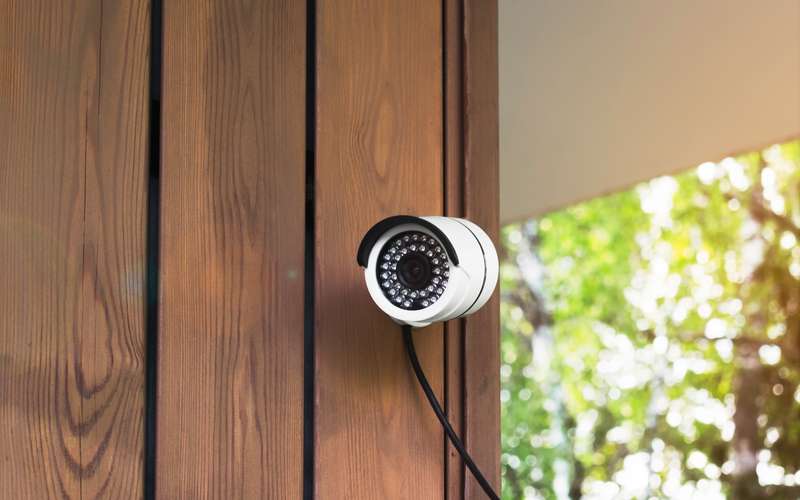
Tapo cameras are made by TP-Link, which also makes routers. The cameras do not need a TP-Link router, only a 2.4 GHz network and enough upload. The page we could reach gives a figure that is higher than some other brands, so plan with it.
Steps
- Check the model's band
TP-Link's FAQ says most Tapo cameras are 2.4 GHz only and names a few models, including the C260, C460 and C840, that support 5 GHz. The C120 is 2.4 GHz only.
- Make a 2.4 GHz name available during setup
Tapo requires an internet connection during initial setup. Use the band-split article if your router merges bands.
- Plan on each camera needing about 5 Mbps of upload
TP-Link's FAQ says each camera needs about 5 Mbps for live streaming or uploading, and says the recommended bandwidth varies by camera and resolution.
- Add up the cameras that stream together
Three cameras viewed at once come to a total that needs about 15 Mbps on this basis.
- Use an SD card for continuous recording
TP-Link says SD card recording continues if the camera loses its connection to the router.
- Lower the resolution if your upload is short
TP-Link's Australian FAQ suggests lowering resolution when upstream is limited.
- Test and watch the signal
Use the speed test guide, and check the camera's signal in the app.
Do I need a TP-Link router to use Tapo?
No. The cameras work on any router with a 2.4 GHz network. If your router is a TP-Link, see TP-Link Archer or Deco.
How much data will the camera use?
Every service level carries a data transfer limit in the service agreement; ask info@hdiss.net for the size. Use over the limit is billed at $1 per gigabyte in a billing cycle. Guide: how much data do security cameras use.
Why does the camera disconnect from the app?
The app reaches the camera through the internet. If your connection drops, remote viewing drops while an SD card keeps recording. See the five checks for a house-wide drop.
What if the camera keeps saying offline?
Check the 2.4 GHz name first, since most Tapo cameras cannot use 5 GHz. Then check the signal: a camera at the edge of Wi-Fi range drops in and out. Move it closer or add a node. If other devices on the same Wi-Fi are fine, restart the camera by taking its power off for a minute.
TP-Link says SD card recording continues if the camera loses the router, so a short gap in the live view does not always mean a gap in the recording. Check the card timeline in the app before you worry. If the live view drops at the same hour each evening, other devices are probably using the upload; the bandwidth guide shows how to look.
Do I need to go outside or touch the antenna for this?
This task never calls for a ladder. The outdoor radio and the cable that runs to it should not be touched by anyone but our technician.
Sources
- tp-link.com/us/support/faq/2742/ (TP-Link, Tapo Cameras: Setup, Features and Settings, seen in a search summary 2026-10-15; not opened)
- tapo.com/au/faq/754/ (Tapo, General Questions about the Tapo Camera, seen in a search summary 2026-10-15)