
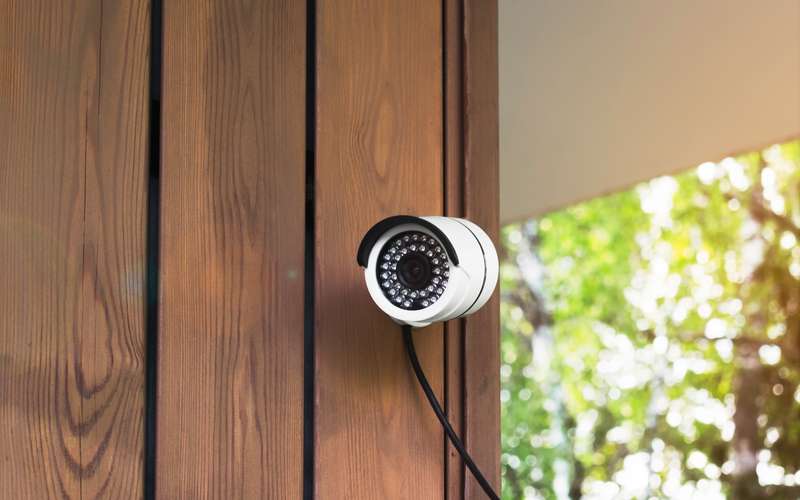
Google measures in kilobits, which look small next to a plan's megabits. One megabit is 1000 kilobits. A Nest camera at its highest quality can use several megabits when it records an event, so a few cameras together are worth adding up.
Steps
- Find your model in Google's table
The table groups Nest Cam (battery and wired), Nest Cam IQ, Nest Cam Indoor and Outdoor, and Nest Doorbells.
- Pick the quality setting you use
Figures differ by setting. For example the page lists 700 Kbps on High and 1000 Kbps on Max Video for Nest Cam (battery) and Nest Cam (wired), and about 2000 Kbps or 3000 Kbps during recorded events.
- Convert to megabits
1000 Kbps is 1 Mbps. 3300 Kbps, the Max Video figure Google lists for the 3rd generation wired indoor camera, is the setting that uses 3.3 Mbps.
- Add up cameras that can record at once
Google tells you to confirm that your plan's upload can support all cameras together. Upload speeds are usually much lower than download, it adds.
- Compare with your own upload test
Use how to run a speed test at a busy hour.
- Lower the quality setting if you see slowdowns
Google says to lower the camera's quality and bandwidth setting in its settings. The camera also adjusts its bitrate by itself where it can.
- Check the Wi-Fi at the camera
A weak signal looks like a bandwidth problem. See Wi-Fi dead spots.
Does a Nest camera upload all day?
Google's technical specs say that with continuous or event video history the camera streams whenever it is on, while without it the camera uploads when someone watches live. Which applies depends on your Nest Aware choice. Cameras use data, and each High Desert service level has a data transfer limit. The size is available by emailing info@hdiss.net, and use over it is $1 per gigabyte in a billing cycle, according to the service agreement.
What about downloads?
Google says download use is mainly for watching live video in the app, about the same as the upload, plus small software updates.
Is there a camera that records locally?
This page covers Nest only. For local recording, see the Reolink, Lorex and eufy articles.
Do I need to go outside or touch the antenna for this?
If the fix is not inside the house, it is ours. Do not climb to the antenna or handle the radio cable.
Sources
- support.google.com/googlehome/answer/9245832?hl=en (Google Home and Nest Help, internet bandwidth and speed requirements for Nest cameras, read 2026-10-15; read through a search summary on 2026-10-15; the page itself did not open)